


Vehicle Stock Images: How to Create VDPs that sell in-transit inventory
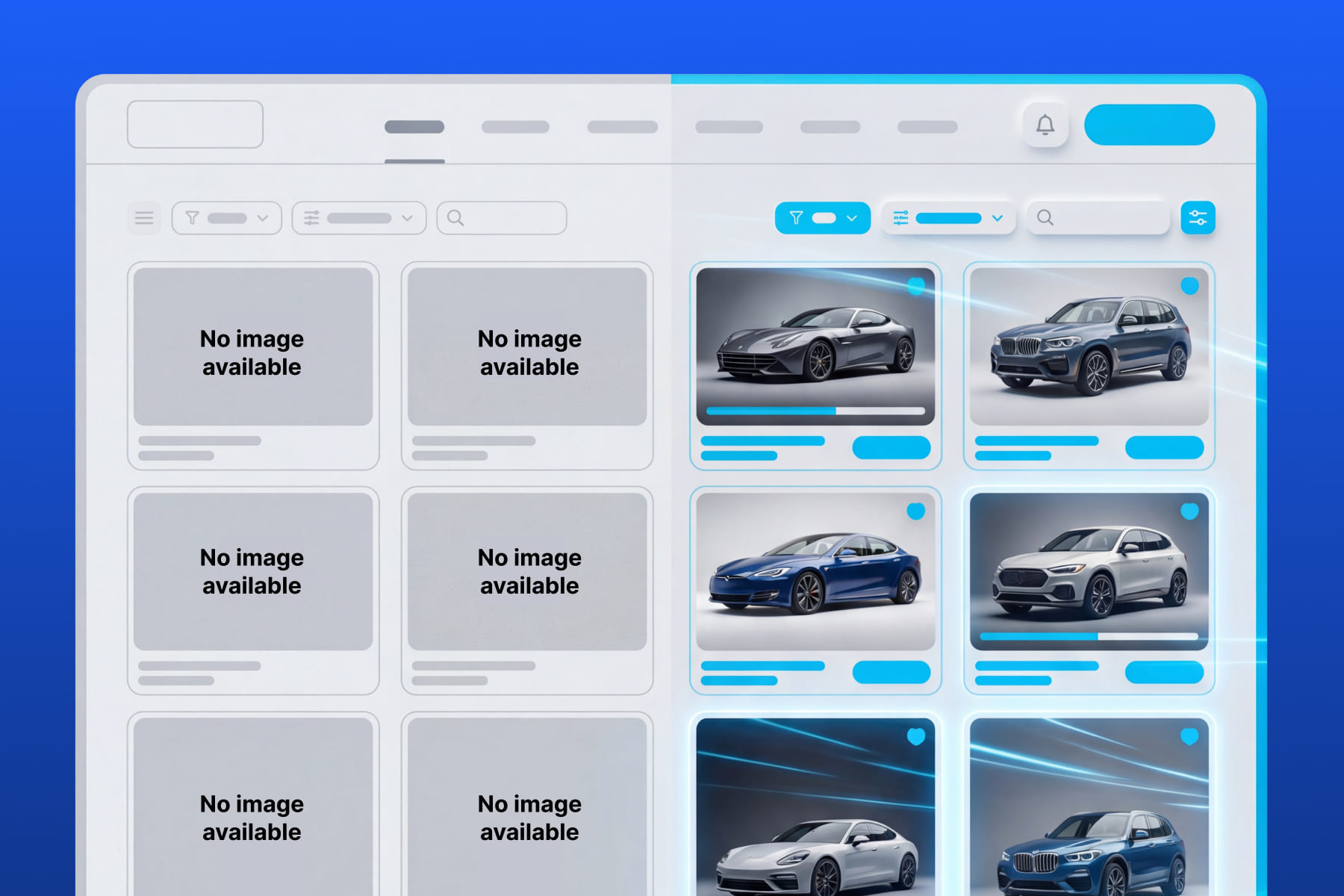
This article covers why empty VDPs cost leads, how CarCutter’s Automated Vehicle Stock Images work, and best practices for pre-arrival vehicle merchandising.
TL;DR: CarCutter’s Automated Vehicle Stock Images feature automatically populates your VDPs with VIN-matched photos of vehicles, backgrounded with your dealership’s virtual showroom, before they even arrive at the dealership. This eliminates “photo coming soon” placeholders, engages shoppers earlier, and reduces your time-to-list.
Why Empty VDPs Cost Your Dealership Leads
A VIN hits your inventory feed. The vehicle is 5 days out. Your VDP goes live with a placeholder image or, worse, no image at all. What happens next?
Most shoppers skip it.
A Cox Automotive study cited by JD Power found that 90% of shoppers consider photos extremely important when evaluating vehicles online. Without them, buyers assume the listing is not ready and move on to a competitor with visuals up.
Timing compounds the problem. Listing views peak within the first week of being published, according to Dealer Specialties. Launch without photos during that window, and you lose your best chance to capture attention.
This is not just a marketing problem. It is an inventory turn problem. 83% of dealers say they can increase margins or reduce days to sell by improving digital merchandising, according to HomeNet Auto. Every day without a photo-ready listing is a day that vehicle cannot generate a lead.
The gap between “VIN in feed” and “photos on VDP” is where deals go to die. In-transit inventory images close that gap.
How CarCutter’s Vehicle Stock Images Work for In-Transit Inventory
The process is straightforward and fully automated. Here is how CarCutter’s Stock Images feature populates your VDPs:
- VIN enters your inventory feed. This happens through your DMS or inventory management system as soon as the vehicle is allocated or in transit.
- The VIN is decoded. CarCutter’s Stock Images identifies the year, make, model, trim, and exterior color.
- VIN-matched stock images are delivered to your VDP. Color-accurate photos, typically 3 exterior angles, appear automatically.
- Images appear on your dealership’s custom background. The stock photos are staged on your branded showroom background, keeping your SRP and VDP visually consistent.
No one on your team has to upload, crop, or tag anything. The listing goes live with images the moment the VIN enters the system.
Behind the scenes, CarCutter’s Stock Images feature integrates stock images from JD Power directly into your dealership website using your CarCutter showroom background, with zero manual intervention.
Who owns this in your dealership? Your inventory manager or website vendor sets up the integration once. After that, it runs automatically for every in-transit vehicle.
If you want to eliminate empty VDPs across your inventory, book a CarCutter demo to see Stock Images in action.
Best Practices for Pre-Arrival Vehicle Merchandising
These 4 practices will help you get the most from CarCutter’s Stock Images for in-transit inventory:
1. List every vehicle the moment the VIN is available.
Do not wait for the vehicle to arrive before creating the VDP. Shift Digital’s 2025 Vehicle Merchandising Trends Report, based on an analysis of 16,000+ dealership websites and 80M+ tracked leads, found that early merchandising for in-transit inventory can provide up to 70 days of extra selling time. That means 70 additional days your listing is generating impressions, clicks, and leads.
2. Use stock images as a bridge, not a permanent replacement.
Stock images fill the gap while the vehicle is en route. Once it arrives, replace them with actual vehicle photography showing real condition, features, and details.
This matters: according to KBB, as cited in the Dealer Specialties 2025 Insights Report, 74% of shoppers are more likely to visit a dealership that features actual vehicle photos versus stock. The handoff from stock to real photos is where you build trust.
3. Keep your backgrounds consistent across stock and lot photos.
A listing that switches from a professional showroom background to a cluttered lot photo breaks the shopper’s visual experience. Use the same branded background for both stages. CarCutter’s Stock Images feature handles the pre-arrival stage, while CarCutter’s AI backgrounding processes your lot photography. Because both are CarCutter features, they share the same branded background and keep the visual experience consistent from in-transit through sale.
4. Automate the stock-to-real photo handoff.
Set up your workflow so real photos automatically replace stock images when uploaded. This prevents gaps where neither set is showing and avoids stock images lingering on a vehicle that has been on your lot for weeks.
Implementation checklist:
- Enable CarCutter’s Stock Images in your inventory feed integration
- Confirm your branded background is applied to stock images
- Set a replacement SLA: real photos uploaded within 24 hours of vehicle arrival
- Audit weekly: flag any lot vehicles still showing stock images after 48 hours
- If stock images persist past your SLA, set up an automated alert so your inventory manager can step in and upload real photos
What CarCutter’s Vehicle Stock Images Can and Cannot Do
Be clear about what CarCutter’s Stock Images deliver and where they stop.
What Stock Images can do:
- Fill the visual gap for every in-transit vehicle with a valid VIN
- Provide color-accurate exterior views matched to the vehicle’s specifications
- Maintain brand consistency with your custom dealership backgrounds
- Keep your SRP and VDP active and engaging during the pre-arrival window
- Work for both new and used vehicles
What Stock Images cannot do:
- Show the actual condition of a specific vehicle (wear, damage, aftermarket modifications)
- Provide interior photos matched to the exact trim and options
- Deliver 360-degree interactive spins or feature-level detail
- Replace the trust built by real, on-lot photography
Stock images are a powerful bridge that keeps your VDPs working while the vehicle is in transit. Once the car arrives, real photography completes the visual merchandising workflow from pre-arrival through sale.
Disclosure note: If your website or third-party listing platform requires a “stock photo” or “representative image” label, make sure your stock images are tagged appropriately. Accurate VIN matching (year, make, model, trim, color) minimizes the gap between what the shopper sees and what they get, but transparency builds trust.
Start Selling Before the Vehicle Arrives
CarCutter’s Stock Images turn the gap between VIN allocation and lot arrival into active selling time. Here is what to take away:
- Empty VDPs lose leads. Shoppers skip listings without photos, especially in the critical first week.
- CarCutter’s Stock Images automate the fix. VIN-matched photos populate your VDP with no manual work and no waiting for the vehicle to arrive.
- Pre-arrival merchandising extends your selling window. Up to 70 additional days of exposure, according to Shift Digital.
- The stock-to-real handoff must be managed. Set a replacement SLA and audit regularly.
Dealerships that fill their VDPs with pre-arrival vehicle photos are capturing leads others miss. Those that maintain visual consistency from stock images through lot photography build the kind of professional online presence that turns clicks into showroom visits.
To see how CarCutter’s Automatic Vehicle Stock Images feature can help your dealership fill VDPs for in-transit inventory automatically, book a demo.
In-transit inventory images are VIN-matched stock photos that represent a vehicle’s year, make, model, trim, and exterior color before it physically arrives at the dealership. They allow dealers to populate VDPs with visual content as soon as a VIN enters the inventory feed.
When a VIN enters your inventory feed, the system decodes it to identify the vehicle’s year, make, model, trim, and color. It then delivers color-accurate stock images to your VDP automatically, with no manual upload or action required from your team.
No. Stock images serve as a temporary visual bridge for in-transit inventory. Once the vehicle arrives at the dealership, actual lot photos should replace the stock images to show the vehicle’s real condition and features.
Yes. CarCutter’s Stock Images feature places VIN-matched stock photos on your custom showroom background, so they visually match the rest of your inventory listings and maintain brand consistency across your SRP and VDP.
Shoppers expect to see photos when browsing vehicle listings online. A VDP without images signals incomplete inventory and causes shoppers to scroll past to a competitor’s listing. According to a Cox Automotive study cited by JD Power, 90% of shoppers consider photos extremely important when evaluating vehicles online.
Stock images remain on the VDP until the vehicle arrives and real photography is captured. With an automated workflow, the transition from stock to real photos can happen without any gap in visual coverage.
Shift Digital’s 2025 Vehicle Merchandising Trends Report found that early merchandising for in-transit vehicles can provide up to 70 days of extra selling time, giving your listing more visibility and shopper engagement before the vehicle reaches your lot.