



Inventory control. Quality Insights.
All on CarCutter Hub.
The easy way to manage, track, and report on your CarCutter account.
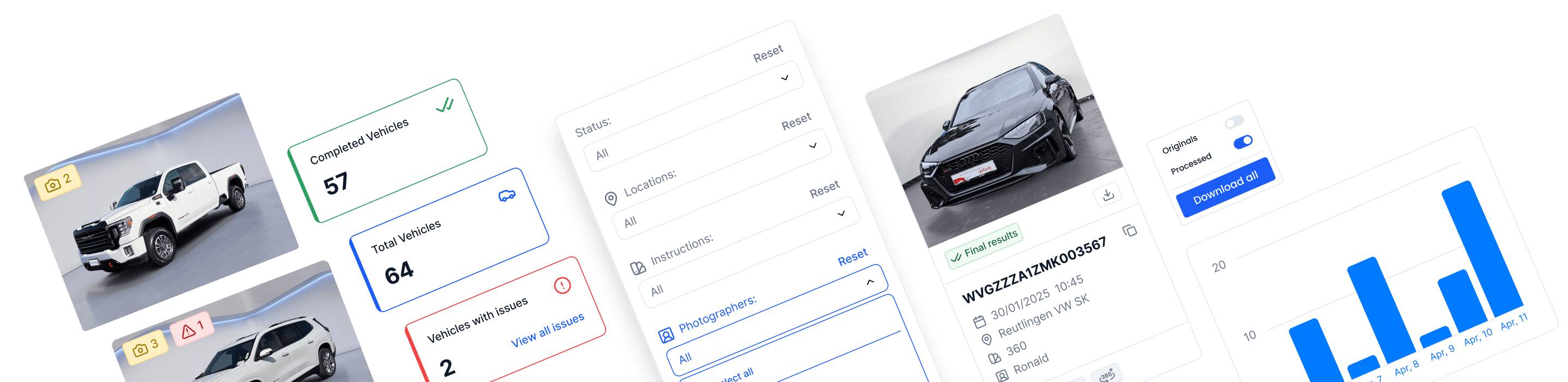
Your all-in-one control panel

Image status tracking
Follow images in real time, from capture to completion. Spot delays early and get vehicles listed online faster.

Inventory imagery library
Access your entire photo history, raw and processed, all in one place. Search, filter, and download with ease.

Smart reporting
Track the numbers that matter – volumes, media types, and performance trends – so you can make smarter decisions, faster.
Complete inventory control
on the CarCutter Hub
Effortless control of your CarCutter account, housed in one
centralized, powerful hub built for speed, simplicity and autonomy.
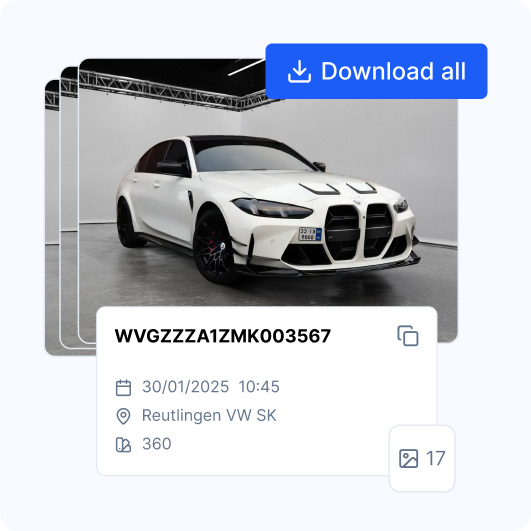
Inventory Library
Your entire photo history, both raw and enhanced, is stored in easy-to-navigate folders. Search, filter, and download exactly what you need in seconds.
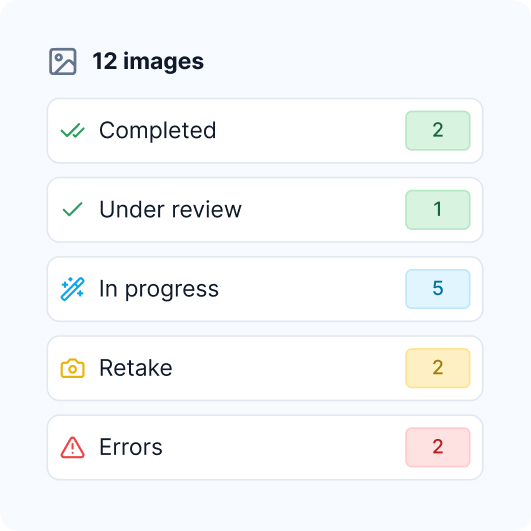
Status tracking
From “In Progress” to “Completed,” you will always know exactly where every image stands. Because guessing games are for game nights, not your listings.
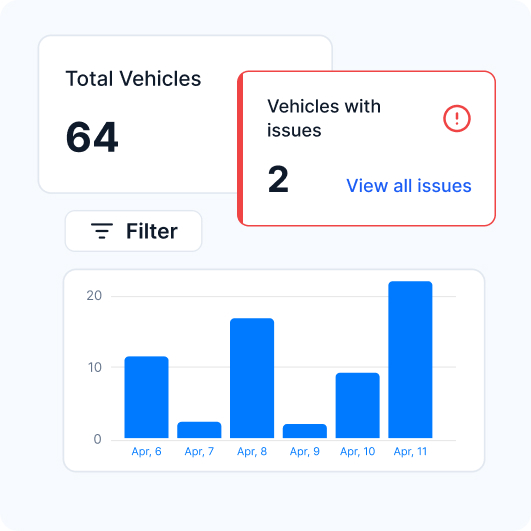
Real-time reporting
At-a-glance numbers that actually mean something. Track volumes, media types, and statuses to spot wins, fix hiccups, and keep the wheels turning.
Full visibility.
Faster listings.
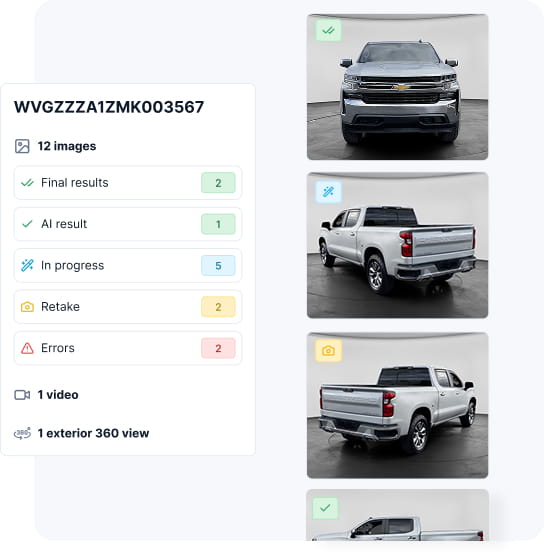
No more guessing when your images will be online. CarCutter Hub gives every photo a clear status, so you always know what’s ready, what’s still processing, and what needs attention.
- Real-time image status tracking
- Visibility at every stage of the image pipeline
- Consolidated VIN view
Identify issues.
Improve performance.
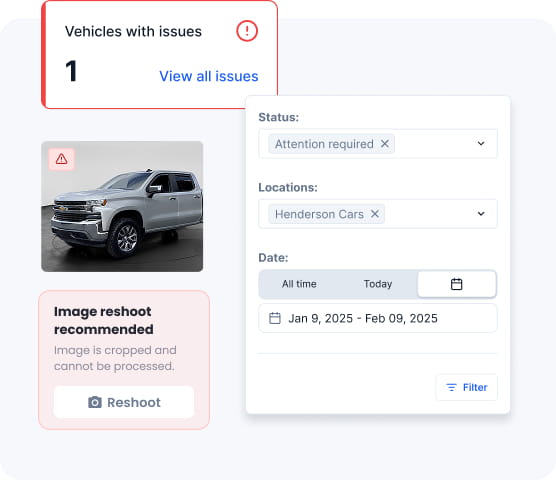
Pinpoint the exact images slowing you down with vehicle issue alerts. Catch delays early, resolve them quickly, and get cars online faster. Then turn those insights into coaching opportunities: fewer errors today, more consistency tomorrow.
- Drill down into problem issues
- Spot repeat issues by rooftop
- Turn errors into training opportunities
Unified, organized image library.
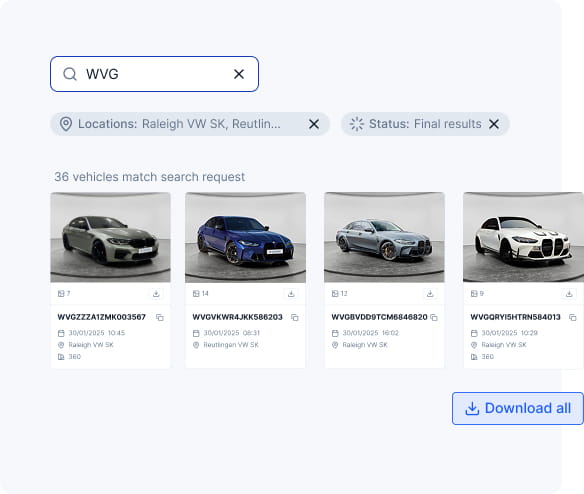
Say goodbye to scattered folders and third-party storage tools. CarCutter Hub keeps every image – raw and enhanced – in a single, filterable library that’s easy to navigate and lightning-fast to download.
- No more third-party storage
- Smart search filters by VIN, rooftop, date or status
- Fast bulk download
Insights you can act on
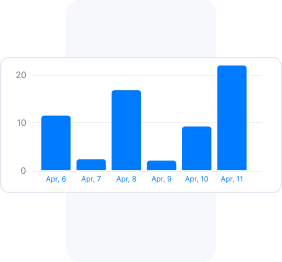
CarCutter Hub turns your data into clear, at-a-glance insights. Track volumes, media types, and
processing statuses to spot wins, resolve hiccups, and get your listings online fast.
Insights by rooftop
See how each dealership location is performing, compare activity, and spot trends across your group.
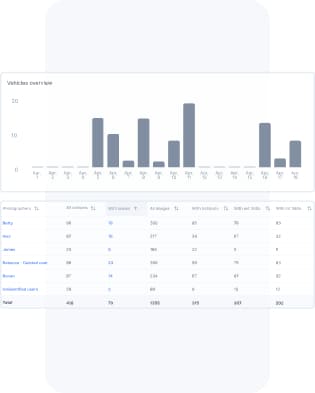
Insights on photographers
Identify top performers, spot training opportunities, and ensure consistent quality across your entire team.
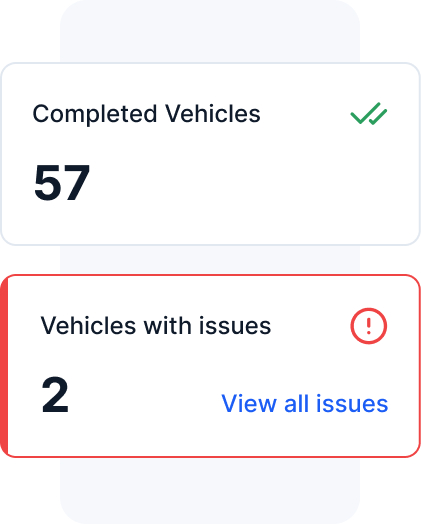
Insights into issues
Monitor vehicles with issues, track where they occur, and understand how to resolve them quickly.
CarCutter Hub,
at your side
The home for all your CarCutter imagery and insights, giving your team full visibility and control in one centralized hub.
Book A DemoImage status tracking
Follow every image in real time through the enhancement pipeline with clear, real-time statuses.
Analytics & insights
At-a-glance reporting on volumes, media mix, and trends to keep performance on track.
Inventory library
Every vehicle image ever, stored in simple to navigate, filterable folders.

Image download
Download images individually or in bulk in just a few clicks.

Unlimited users
Add unlimited users at no extra cost – everyone gets a seat at the table.

Access control
Set roles and permissions so each team member sees what matters to them.












Track smarter. List faster.
Track every image, see every insight, and get cars online faster,
all in one hub. The CarCutter Hub.
CarCutter Hub is your web dashboard for tracking image progress, accessing original and enhanced photos, and comparing performance across rooftops and photographers. It supports unlimited users at no extra cost, with role-based permissions.
Yes. CarCutter Hub tracks image progress in real time, with views by VIN and filters for rooftop, date and status. Issue alerts help identify images delaying listings, while location comparisons and group-wide trends help managers maintain consistent publishing standards across dealerships.
Yes. CarCutter Hub automatically tracks photo volumes, rejection and retake rates, and time from capture to listing. Managers can compare results by photographer, rooftop and period to identify top performers, spot training needs and maintain consistent quality across the team.
No. CarCutter Hub stores your original and processed photos in one searchable library, with filters by VIN, rooftop, date and status. Teams can download images individually or in bulk, while role-based permissions control who can view and export them.