


Car dealership software for scalable merchandising efficiency
Automate what slows you down.
Speed up what gets you sales.
Get StartedYour process bottlenecks and backlogs cost you sales, time, and money
You need car dealership software capable of removing them, at scale.
Without CarCutter
Each step is manual, often handled by a different stakeholder
-
Coordination: Lack of visibility over the inventory awaiting merchandising.
-
Capture: time intensive, prone to errors and backlogs.
-
Photo Edition: Either manual & labor intensive or reliant on off the shelf LLMs & prone to errors.
-
360 spins: Requires specialized equipment to achieve good quality
-
Video: Typically requires expensive and inefficient 3rd party service providers.
-
Publishing: Tenuous & repetitive task, prone to backlog.
-
Quality Control: Often skipped altogether, too complicated to centralize across fragmented franchised setups.
With CarCutter
Each step is either fully automated, or heavily assisted
-
Coordination: Automated task manager.
-
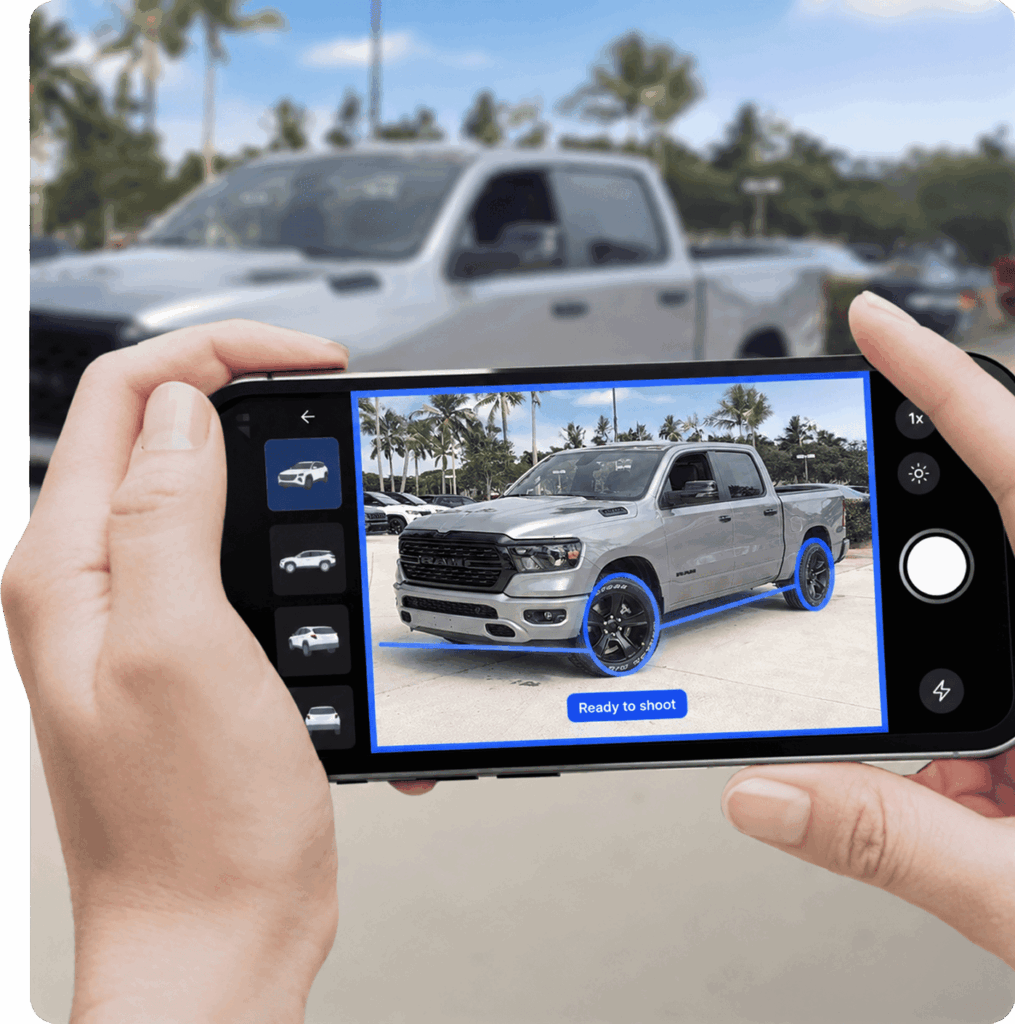
Capture: Guided capture with on-screen Augmented Reality assistance.
-
Photo Edition: Completely automated.
-
360 spins: Completely automated, once 4 standard pictures are taken.
-
Video: Completely automated, once 8 standard pictures are taken.
-
Publishing: Completely automated.
-
Quality Control: Mix of AI QA, Human in the loop & centralized client facing dashboards.
From the lot to your website in no time
Vehicle visual workflow
Before arrival
Trigger
VIN added
IMS / DMS
-
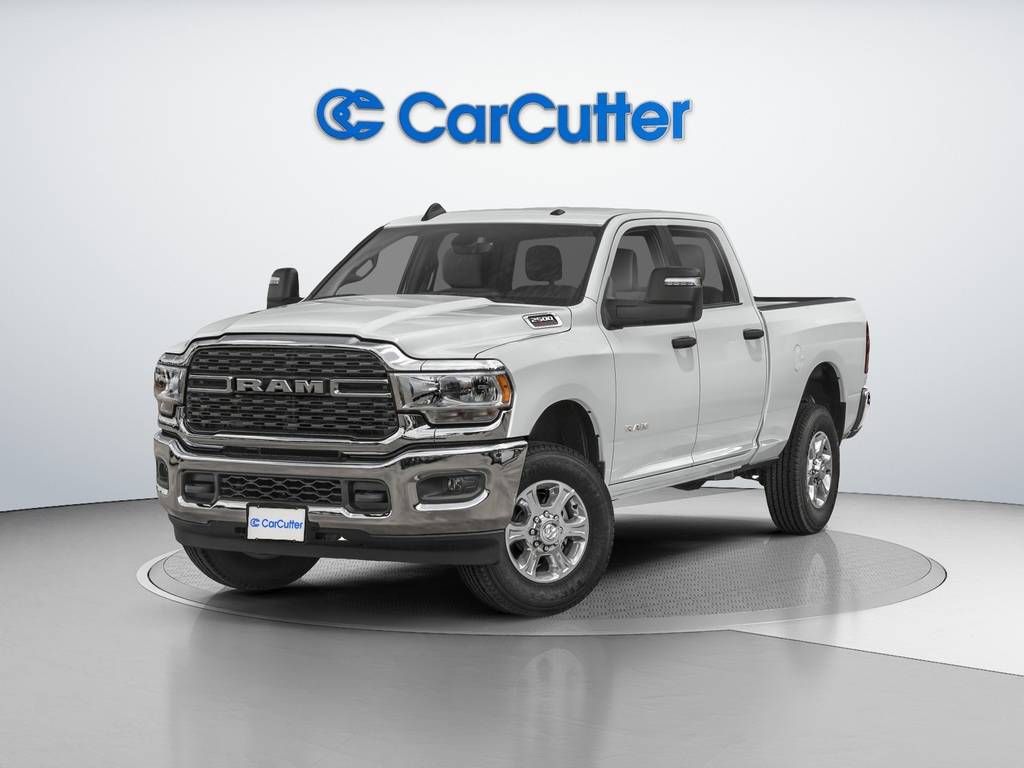
Stock photo
Automated
Stock images are retrieved automatically and staged in your dealership showroom before the vehicle arrives.

Vehicle arrives
On the lot
-
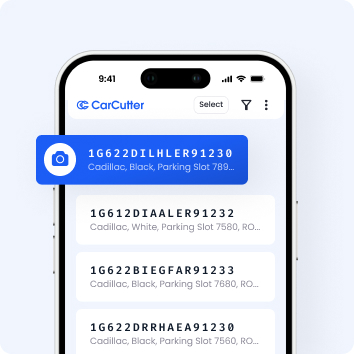
Shotlist assigned
Automated
Assign the photographer a vehicle-specific shotlist.

-
Guided capture
AI Assisted
Photograph the vehicle with guidance for consistent angles and coverage.

-
Showroom staging
Automated
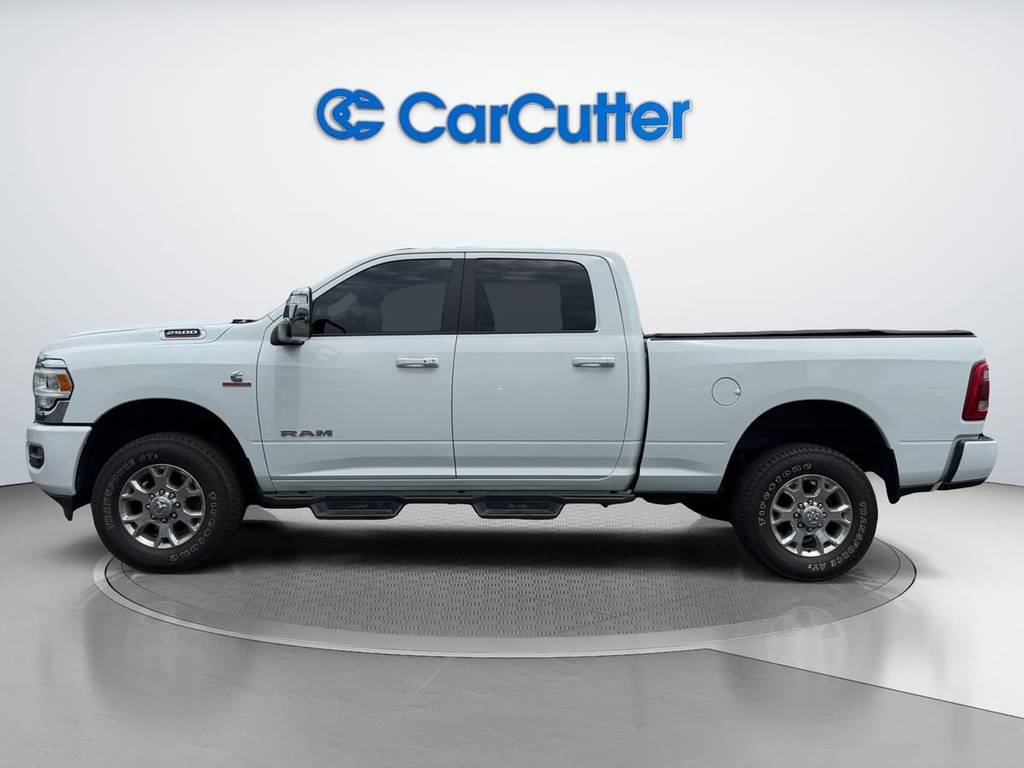
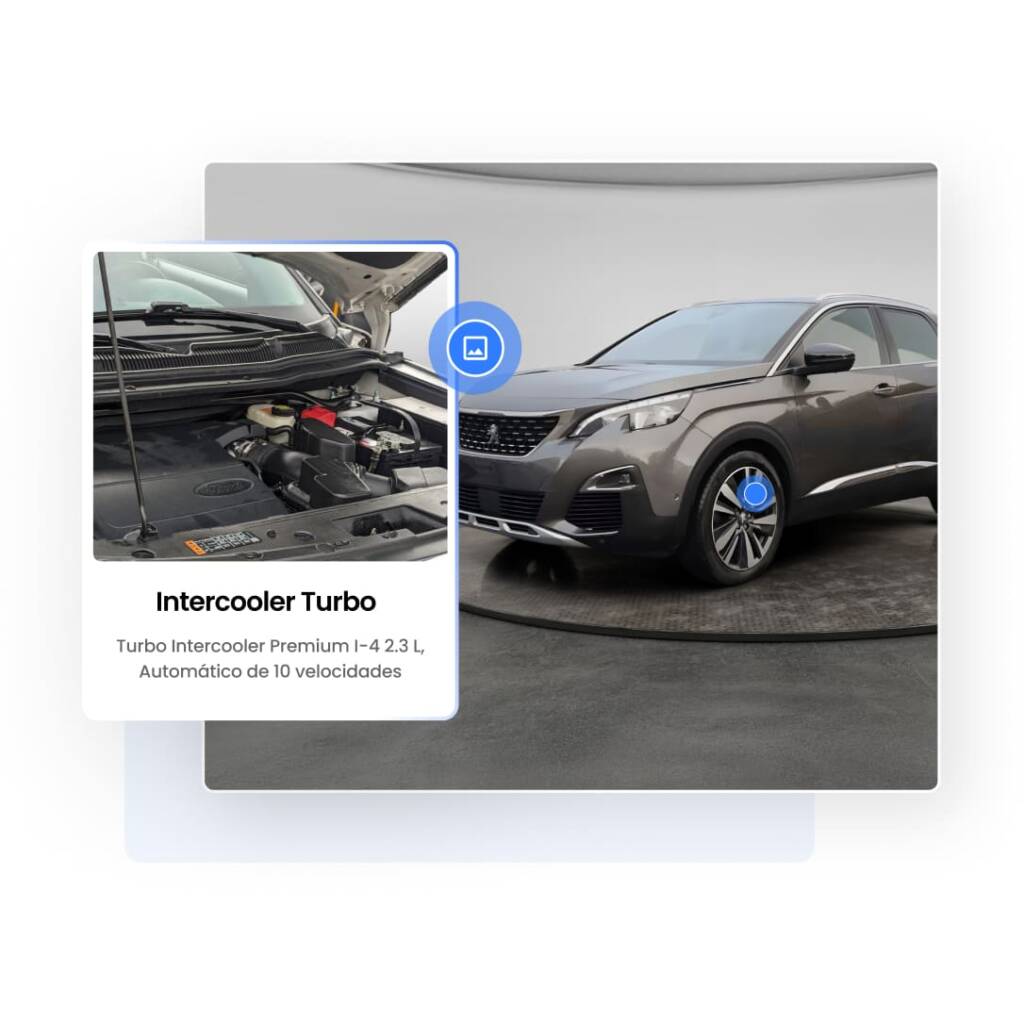
Background removal, image enhancement and showroom staging come together in one automatic step.
-
Hotspot placement
Automated
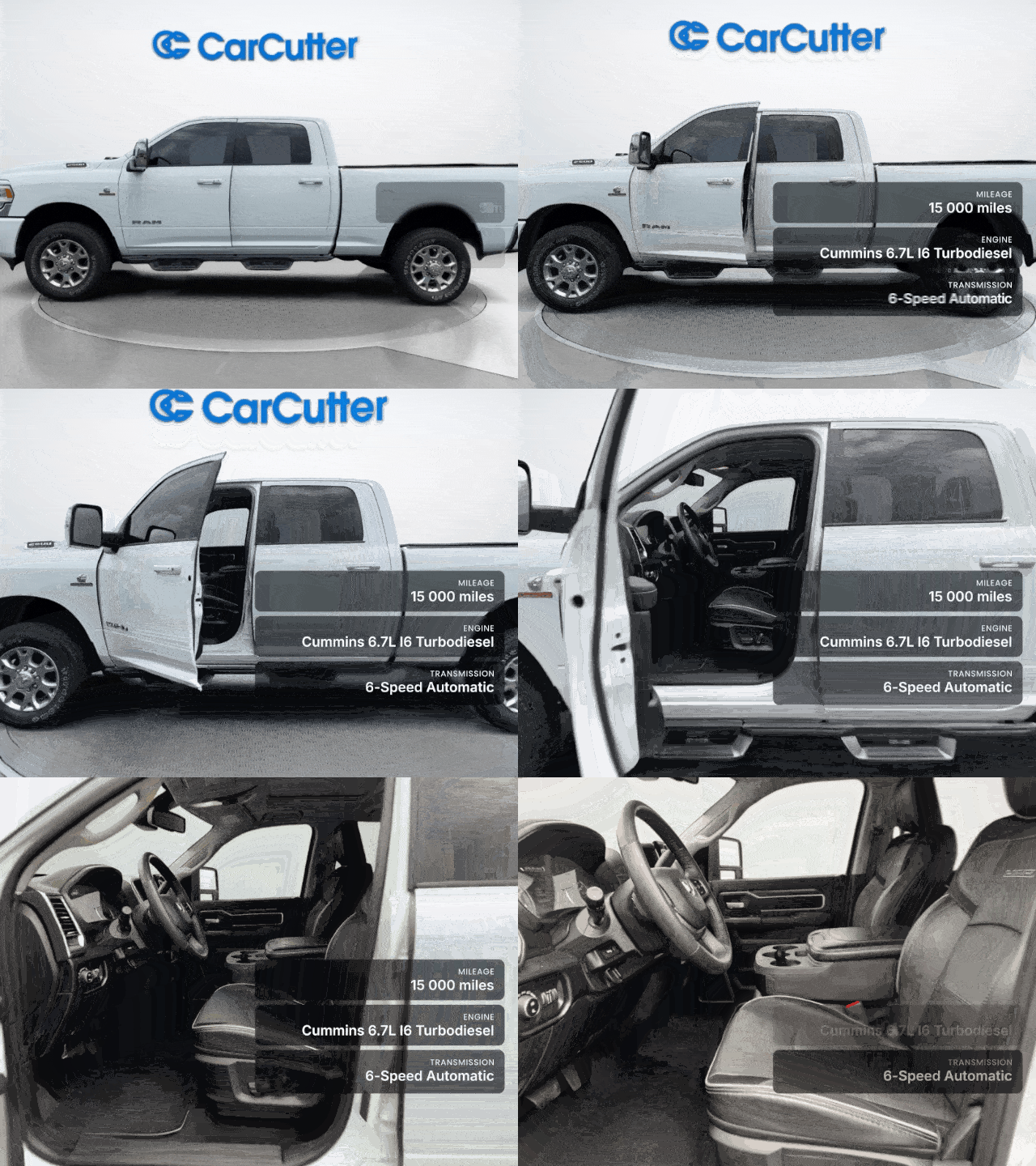
Place hotspots automatically or manually to highlight the vehicle’s details.

-
360° NG creation
Automated
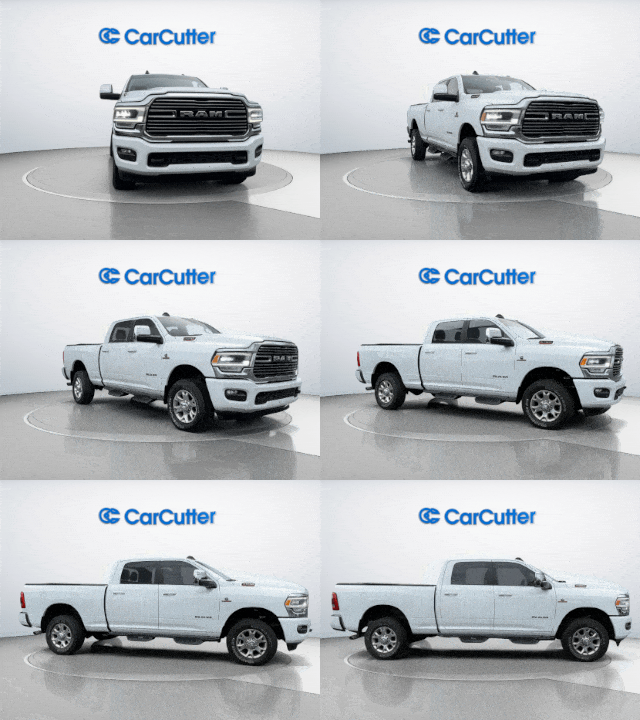
Create a Next Gen 360° experience automatically from the captured vehicle images.

-
Video creation
Automated
Turn the vehicle’s imagery into a video automatically.

-
Auto publish
Automated
Automatically upload visuals to your IMS or DMS, or publish them through Webplayer.
Always on
Bring seamless visual merchandising automations to your dealerships
-
Shotlist
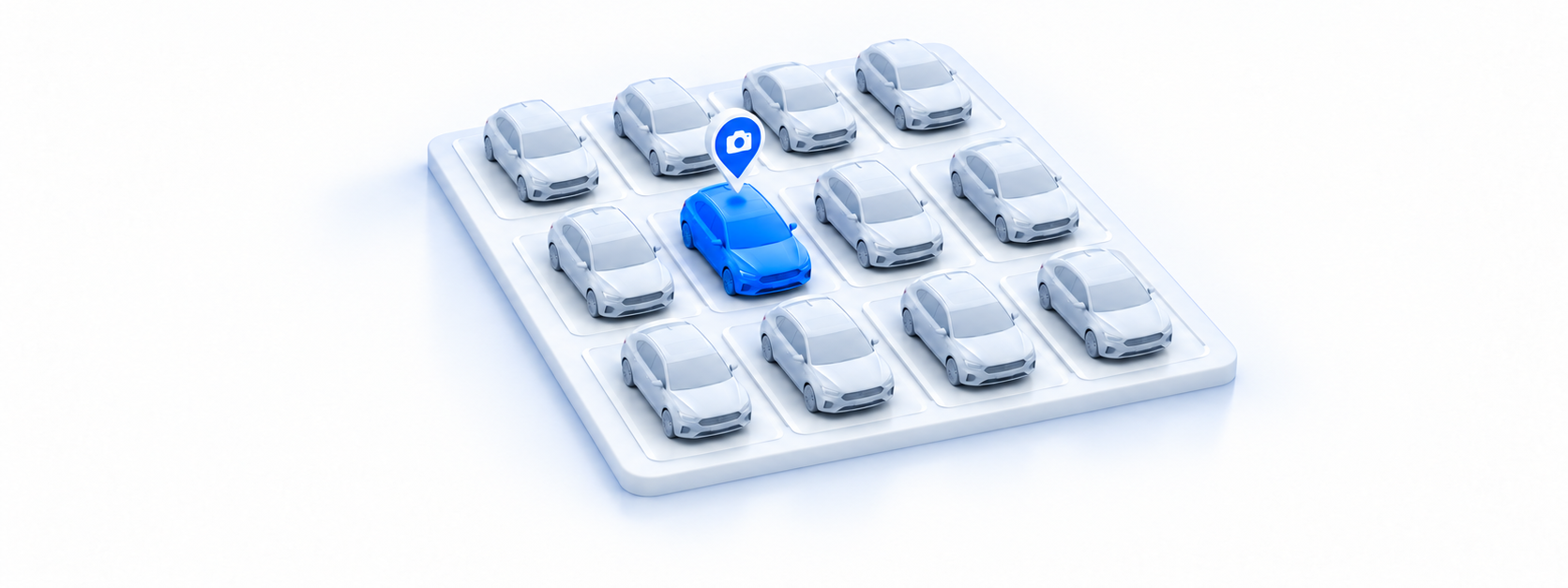
Your automated task manager
Shotlist synchronizes with your IMS to give you and your photographers a real-time view of which vehicles are waiting for capture. This means less admin work for dealer principals & managers, and more clarity for photographers.

-
Guided Capture
On-screen guidance: take the perfect picture, every time.
CarCutter’s on-screen guidance guides photographers to guarantee the quality of pictures, and ensure that every shot is taken according to brand and OEM guidelines.
-
CaptureSync (New)
Seamless asynchronous collaboration across your dealerships
What if you wanted to take your first 4 pictures in recon, and the next 20 two weeks later? What if the photographer has changed, and the phone isn’t the same? That’s not a problem any more thanks to CaptureSync. You can finally seamlessly collaborate on building the final VDP, and adapt your merchandising workflow to fit your entire commercial pipeline.
-
Showroom staging
A showroom for the digital age
You don’t need an expensive physical turntable, or specialized equipment anymore. CarCutter stages every shot inside of a bespoke photo-realistic showroom, and all you need are a few pictures form your phone.
-
Premium media production
A big production feel at a small price
Create photo-realistic interactive media such as 360 spins, video tours, and hotspots automatically using the pictures you already take. Put in zero extra effort, get back top tier media for all your VDPs, at any scale.
-
Upload to IMS and Website
From edits to publishing, fully automated.
Once you have your pictures, everything else is fully automatic. Take your pictures, let the magic happen, and see your website populate with your top-tier VDPs.
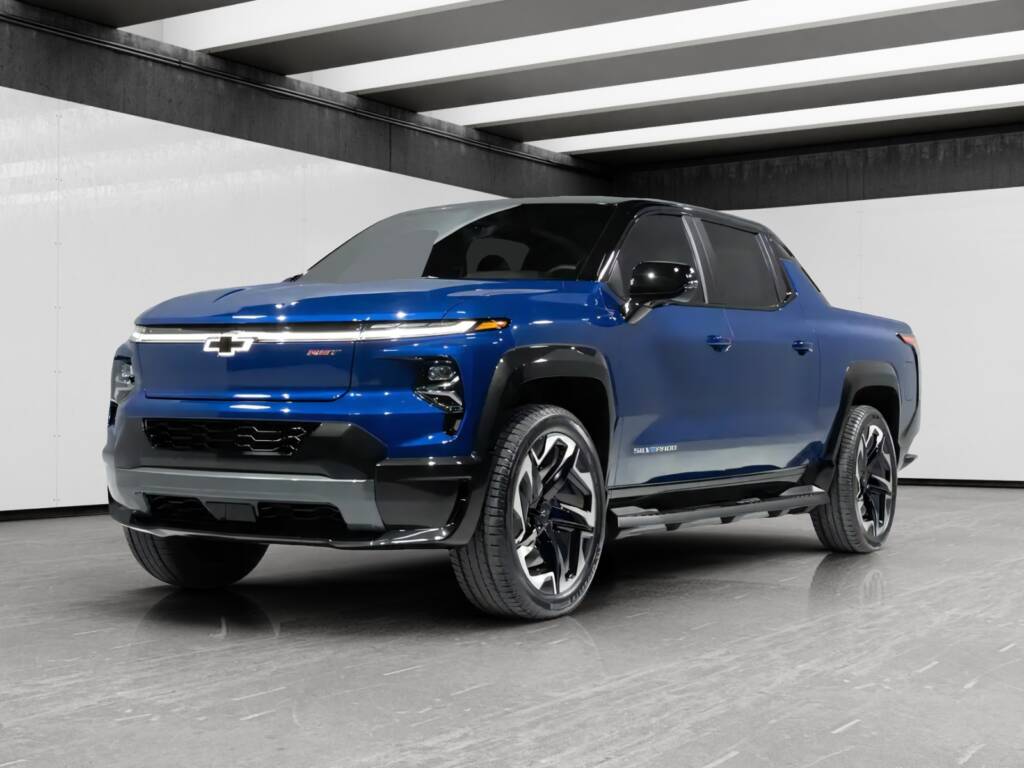
An end to end car dealership software powering exceptional merchandising, at scale.
|
Step |
Without CarCutter |
With CarCutter |
Mode |
|---|---|---|---|
|
1. Coordination |
No view of what still needs photos. Assignments by text message. |
Shotlist and Status Tracker: a live list of vehicles that need imagery, by VIN, across rooftops. With CaptureSync allowing asynchronous collaboration between photographers. |
Automated |
|
2. Capture |
Slow, angles missed, backlogs. Quality depends on who holds the phone. |
On-screen AR guidance checks framing, alignment and exposure shot by shot, in your sequence and OEM guidelines. |
Assisted |
|
3. Photo edition |
Manual and labor-intensive, or generic tools and errors. |
Automatic: enhancement, backgrounds and quality checks in about 2.1 seconds per image. |
Automated |
|
4. 360 spins |
Needs special equipment or a turntable. |
Automatic from 4 standard pictures (Next Gen 360°). |
Automated |
|
5. Video |
An expensive, slow third-party service. |
Automatic from 8 standard pictures (CarCutter Motion). |
Automated |
|
6. Publishing |
Repetitive uploads and re-ordering. Backlogs. |
Automatic sync, in your order, to the IMS, DMS or website. 80+ integrations. |
Automated |
|
7. Quality control |
Often skipped: impossible to centralize across franchised rooftops. |
AI checks with a human in the loop, and one control panel for the group: CarCutter Hub. |
Automated Human IN THE LOOP |
CarCutter connects the visual merchandising steps that often slow down a listing: identifying vehicles that need photos, guiding staff through capture, enhancing images, tracking progress, and delivering finished visuals to connected inventory systems. Dealers can manage that process from one platform instead of handing files between separate tools and teams.
The CarCutter app’s Shotlist shows vehicles awaiting photography and helps teams track work across rooftops. Staff can scan a VIN, follow a predefined sequence of shots, and check image status, reducing the chance that a vehicle or required angle is missed.
Yes. Staff can use a smartphone with CarCutter’s guided capture app. On-screen framing, angle guidance, shot sequences, and configurable OEM guidelines help different team members produce consistent vehicle images without a dedicated photo booth or camera setup.
Start with time-to-web: the time between a vehicle entering inventory and its complete, imaged listing going live. Track capture-to-publication time separately to see how much of that delay comes from the media workflow. Image backlogs, retakes, and missing photos help show where work is getting stuck; CarCutter Hub provides status and photographer-level reporting for that process.