



Background for Car Photos: The Best Ways to Get Professional, Consistent Results
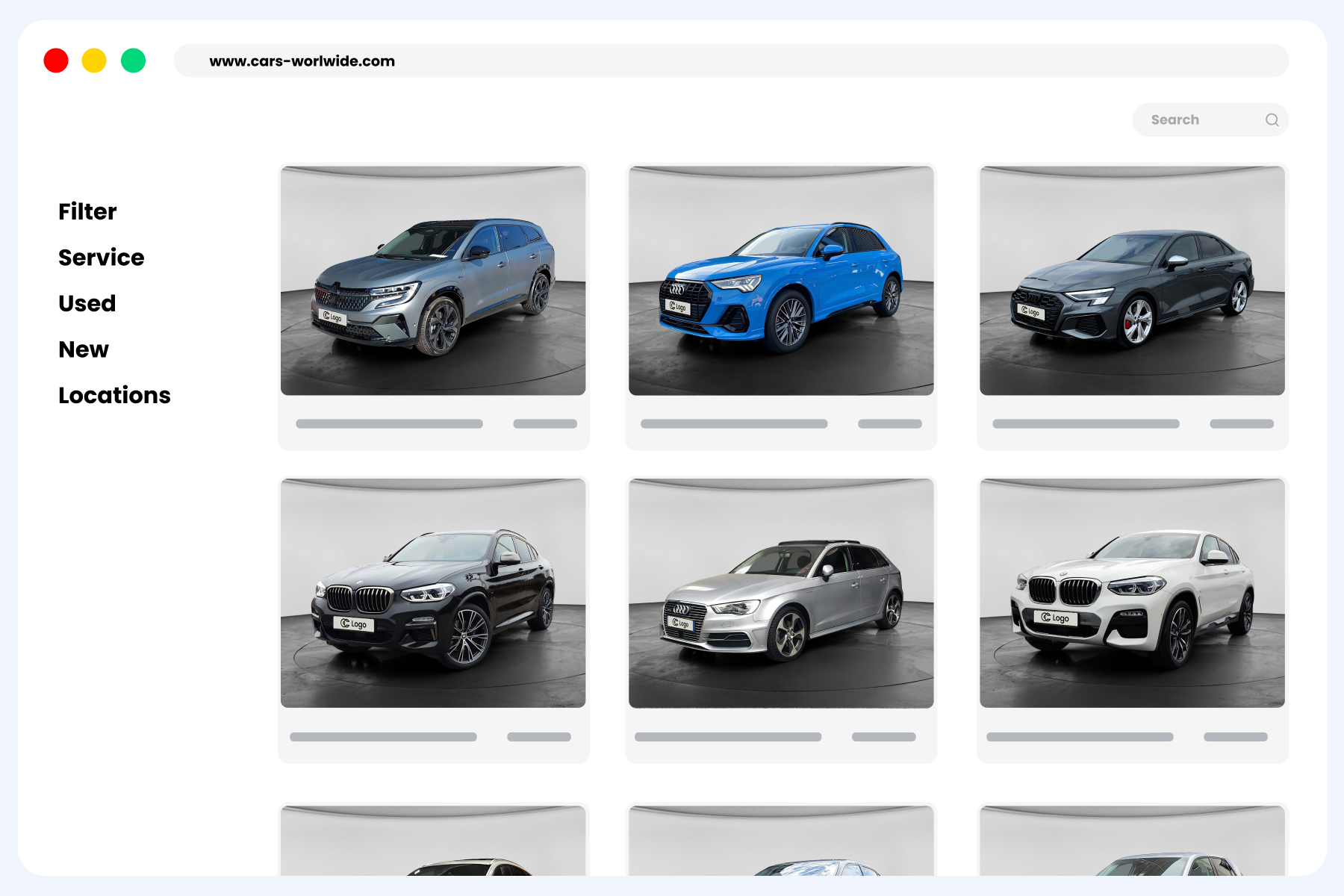
When you sell cars online, your photo backgrounds are part of your storefront. A clean, consistent background for car photos makes your inventory feel trustworthy, keeps shoppers on the listing, and helps your vehicle detail pages (VDPs) compete. This guide compares the 4 practical ways dealerships get professional results, so you can pick the approach that fits your volume, budget, and time-to-list goals.
TL;DR
There are 4 ways to get professional backgrounds for car listing photos: manual editing, an in-house workflow, outsourced editing, and an automated workflow.
- Manual is cheapest at very low volume.
- In-house gives the most control and highest quality ceiling.
- Outsourcing avoids capex.
- Automation wins on speed, scale, and consistency, but carries setup and subscription costs.
Match the method to your monthly photo volume and time-to-list targets.
What makes a professional car photo background
(and why consistency drives VDP performance)
A professional background is clean, neutral, and consistent across every unit, so the car is the hero and nothing distracts the shopper. Consistency matters most. When every SRP thumbnail and VDP looks uniform, your store reads as organized and trustworthy.
Photos are a proven merchandising lever. Cox Automotive found that, for new vehicles, listings with multiple custom photos earned 99% more VDP views than listings with no photos, and 156% more than listings using a stock photo (Cox Automotive, “Merchandising New Cars: Is It Worth It?”). Those are new-car figures, but the direction holds across inventory: more and better custom photos keep shoppers engaged. Cox Automotive’s “Power of Pictures” study similarly found shoppers stay more engaged when a listing has 40+ images.
Still, the background is one lever among many:
- Photo count: more angles keep shoppers looking.
- Hero first photo: it drives the SRP thumbnail click.
- Price and vehicle history: they shape trust and intent.

A clean background simply makes those other elements work harder. For the practical how-to, see our guide on how to change the background on a car photo.
Manual vs in-house vs outsourced vs automated: the 4 ways compared
The fastest way to choose a background for car photos is to compare all four on the criteria that affect your P&L: cost, setup effort, speed, scale, consistency, quality, integration, staffing risk, and compliance.
| Criteria | Manual editing | In-house workflow | Outsourced editing | Automated workflow |
|---|---|---|---|---|
| Cost per vehicle at volume | Lowest at very low volume | Moderate to high (labor) | Per-image fees add up | Lowest at high volume |
| Upfront setup and integration | None | Moderate | Low | Highest |
| Time-to-list / turnaround | Slowest | Moderate | Depends on vendor SLA | Fastest |
| Throughput and scalability | Low | Limited by staff | Flexible up/down | Highest |
| Consistency / standardization | Variable | Good with discipline | Varies by editor | Highest |
| Quality ceiling | Depends on editor | Highest with skilled team | High | High and uniform |
| DMS / inventory feed integration | Manual upload | Manual to partial | Varies | Native auto-publish |
| Staffing / key-person risk | High | High | Lowest | Low |
| Compliance / authenticity control | Full, direct | Full, direct | Directed by you | High, keep-original option |
Each approach wins on something:
- Manual editing wins on cost when you photograph only a few cars a month and need no setup.
- In-house wins on creative control and the highest quality ceiling.
- Outsourcing wins on flexibility, with no capex and low key-person risk.
- Automated wins on speed, scale, consistency, and feed integration, with the trade-off of upfront integration effort and a subscription that applies regardless of volume.
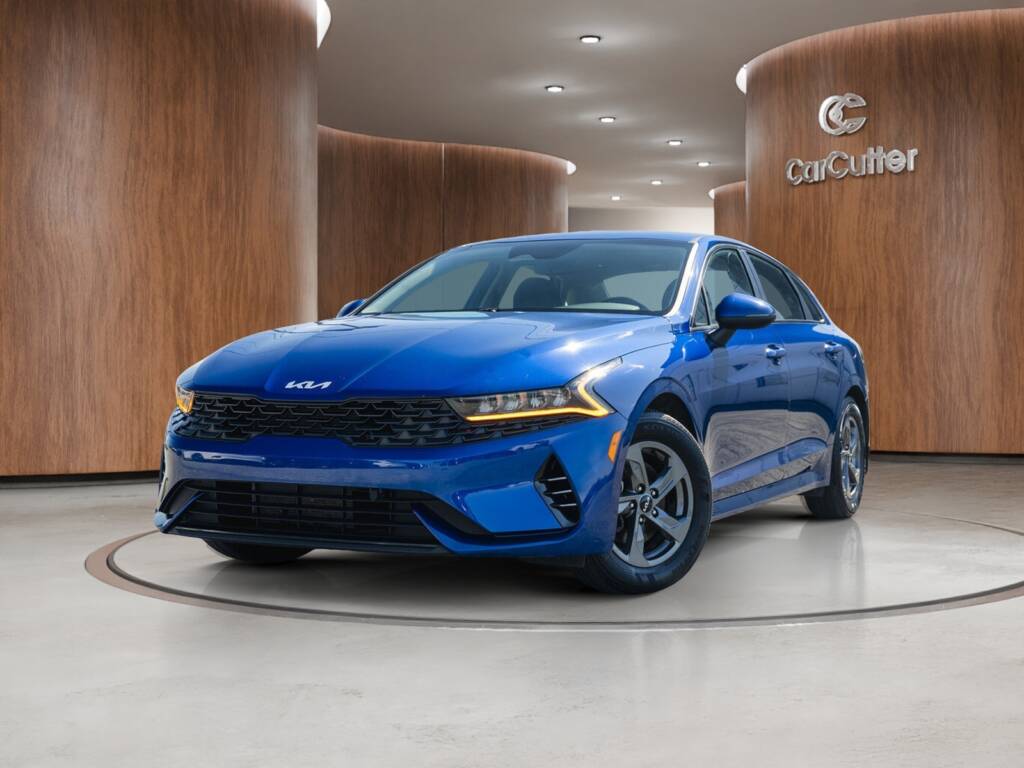
This is where CarCutter fits for stores that need standardization at scale. CarCutter’s AI Background Processing produces clean 2D backgrounds and true 3D showrooms (CarCutter offers both), with license plate inlay and an optional keep-original-background mode, and it can auto-publish to your IMS/DMS and website.
If you want a faster path to consistent, web-ready visuals without adding headcount, book a CarCutter demo.
How to choose the right background workflow for your volume
and time-to-list goals
Use volume as a rough guidepost, not a hard rule:
- Under 50 units/month with limited staff: manual editing or outsourcing keeps costs variable.
- 50 to 150 units/month: an in-house workflow or automation starts to pay off in consistency and speed.
- 150+ units/month or multiple rooftops: an automated workflow gives uniform output and the fastest time-to-list across locations.
Then look at your real bottleneck:
- Do you have skilled photo staff, or is that the constraint?
- What is your recon-to-live SLA?
- Do you need uniform SRP thumbnails across rooftops?
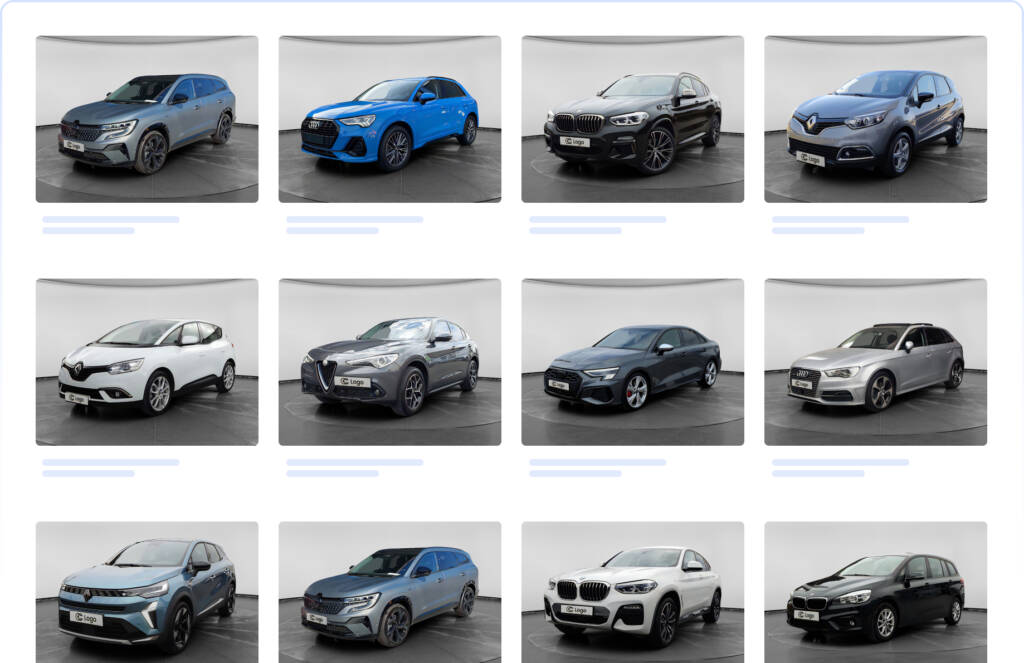
The more units and locations you run, the more standardization and automation pay back. CarCutter’s Mobile App guided capture and Hub controls help multi-store groups hold one standard. If consistency across stores is your goal, read why consistent photo backgrounds matter for cars for sale.
How to measure the impact yourself
Don’t take any claim on faith. Run a simple test on your own inventory:
- Baseline: record your current SRP-to-VDP click-through rate (use GA4) and average days-to-sale (use your CRM/DMS).
- Pick a matched cohort of at least 20 to 30 units: similar make, model, price band, and age.
- Split it: apply the new background workflow to half, leave the other half as-is.
- Compare SRP-to-VDP CTR and VDP engagement after 30 days. Track days-to-sale over the full sell-through cycle, since used units turn at different speeds.
- A/B test the hero first photo separately, since it drives the SRP thumbnail click.
Keep price, photo count, and description consistent across the test so you isolate the background effect.
A quick word on trust: edited or replaced backgrounds must never misrepresent the vehicle. Don’t hide damage or alter the car itself, and check each marketplace’s image policy before rollout. A keep-original-background option is useful when authenticity is the priority.
Takeaways
Choosing the right background for car photos comes down to matching the method to your volume, staff, and time-to-list goals. Manual works at low volume, in-house gives control, outsourcing avoids capex, and automation wins on speed, scale, and consistency. Whatever you choose, keep it consistent, keep it honest, and measure the lift.
Want a second pair of eyes on your merchandising standards? Book a CarCutter demo and we’ll help you set one visual standard and automate it across your inventory.
Related reading:
- How to change the background on a car photo
- 2D vs 3D backgrounds for cars for sale
- Why consistent photo backgrounds matter for cars for sale
FAQ
A clean, neutral, consistent background that makes the vehicle the focus. Consistency across your inventory matters more than any single style.
You can edit manually, build an in-house photo workflow, outsource editing, or use an automated workflow that processes backgrounds and publishes to your feed.
Changing a background is generally acceptable if it does not misrepresent the vehicle. Never hide damage, and check each marketplace’s image policy.
At very low volume, manual editing is cheapest. As volume rises, an automated workflow usually lowers cost per vehicle.
Cox Automotive’s “Power of Pictures” research found shoppers stay more engaged when a listing has 40+ images.
Backgrounds support trust and engagement, but photo count, price, and history also matter. Test the impact on your own inventory.
Yes. Some automated workflows offer a keep-original-background mode for when authenticity is the priority.
CarCutter combines AI Background Processing with the CarCutter Hub, which adds QA, approvals, and multi-location controls, so every rooftop applies one standard and your SRP thumbnails stay uniform. It also offers both 2D backgrounds and true 3D showrooms, plus a keep-original-background option.