




Where curiosity meets confidence
Car buyer’s don’t just look, they investigate. Showcase hidden details,
highlight flaws and build trust with interactive, informative Hotspots.
Features Hotspots
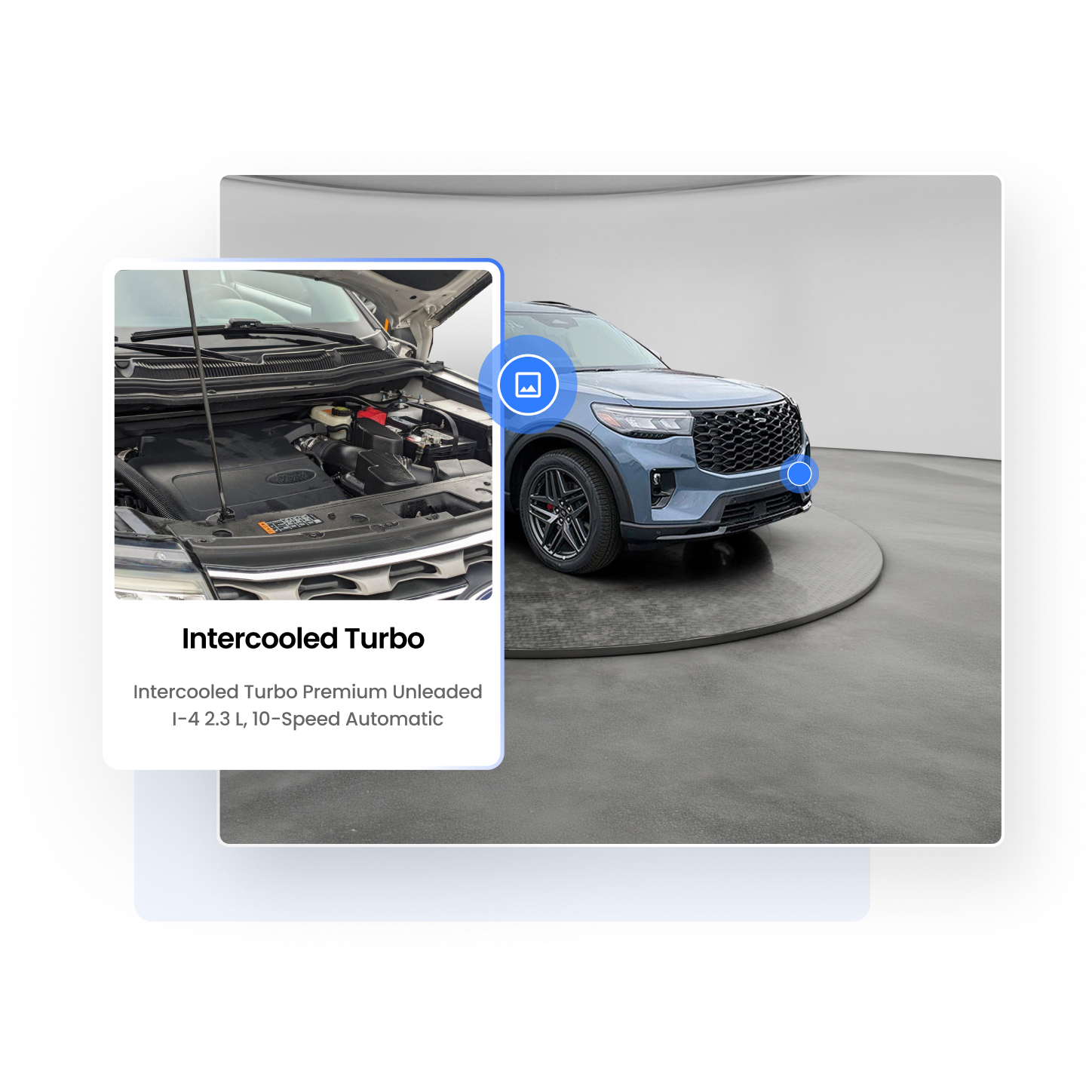
Spotlight premium details and standout equipment with Feature Hotspots.

Damage Hotspots
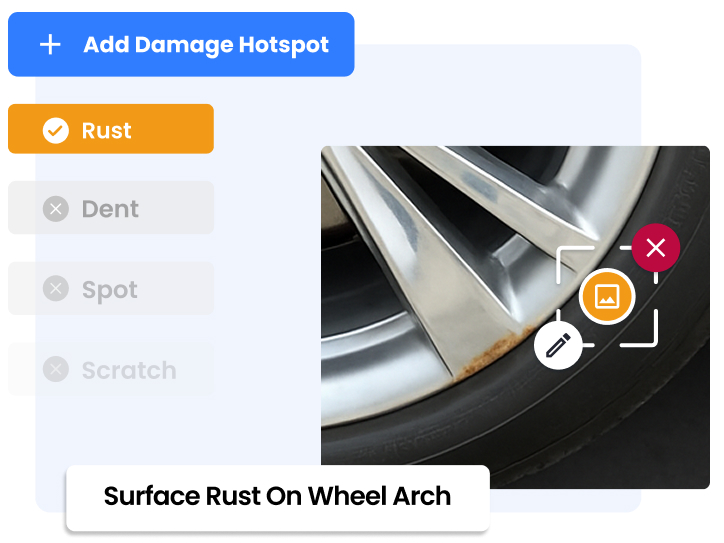
Showcase scratches, dents, scuffs, rust and other wear with Damage Hotspots.
Turn hidden value
into higher returns
Sometimes photos alone don’t tell the full story.
CarCutter Hotspots highlight features, upgrades, and premium details that might otherwise go unnoticed, helping buyers see the true value of each vehicle.
- Highlight premium features
- Showcase reconditioning work
- Prove the value of a vehicle
Nothing to hide. Everything to gain.
Scratches, dents, imperfections… they happen.
Hotspots highlight damage to give buyers a clear picture of a vehicle’s true condition. Because transparency builds trust, and trust drives sales.
- Highlight damage such as scratches, dents and rust
- Add damage from within the CarCutter App

Engage buyers instantly
Turn every vehicle listing into an interactive experience, engaging buyers and keeping them on your site longer.

Build confidence & trust
Show every detail – features, damage and upgrades – so buyers feel informed and confident about their purchase.

Drive faster, smarter sales
Highlight premium features and key details to justify pricing, boost conversion and close deals faster.
Hands-on Hotspots
Manual Hotspots put you in the driving seat.
The quick, easy, three step way to highlight features & damage directly from the CarCutter App.
Because every detail
deserves a Hotspot
Don’t risk important features going undiscovered. Put stand-out details front and centre with interactive CarCutter Hotspots.
CarCutter Hotspots let buyers explore vehicle features and damage through clickable markers. Your team adds them directly in the CarCutter app: take the photos, place each marker and add a title, description and close-up images. Hotspots appear on your listings and in Next Gen 360°.
Feature Hotspots highlight premium equipment, upgrades, and reconditioning work to showcase a vehicle’s value. Damage Hotspots disclose scratches, dents, and other wear, helping buyers understand its condition before they enquire. Both can include close-up images and text to build confidence and set clear expectations.
Hotspots encourage shoppers to explore vehicle features and condition in detail, helping them enquire with a clearer understanding of the car. CarCutter dealers using Next Gen 360° with Hotspots report a 21% increase in VDP conversions.
Hotspots are activated during your CarCutter setup through the WebPlayer, with native integrations for Dealer.com, DealerOn and DEP. Other platforms connect via API or FTP after a one-time setup. Automated Hotspots then appear on eligible vehicles, while your team can add manual ones in the app and customize their appearance to match your brand.